
Create your account
Sign up for AO, see what the first screens offer, and get to the step where you connect MetaTrader.
You sign in to AO on a hosted sign-in page. The first time you use it, the same page creates your account.
Before you start
- An email address you can open, or a Google, Microsoft, GitHub or Apple account if your sign-in page offers those.
- AO’s address: app.ao-io.com.
Sign up or sign in
-
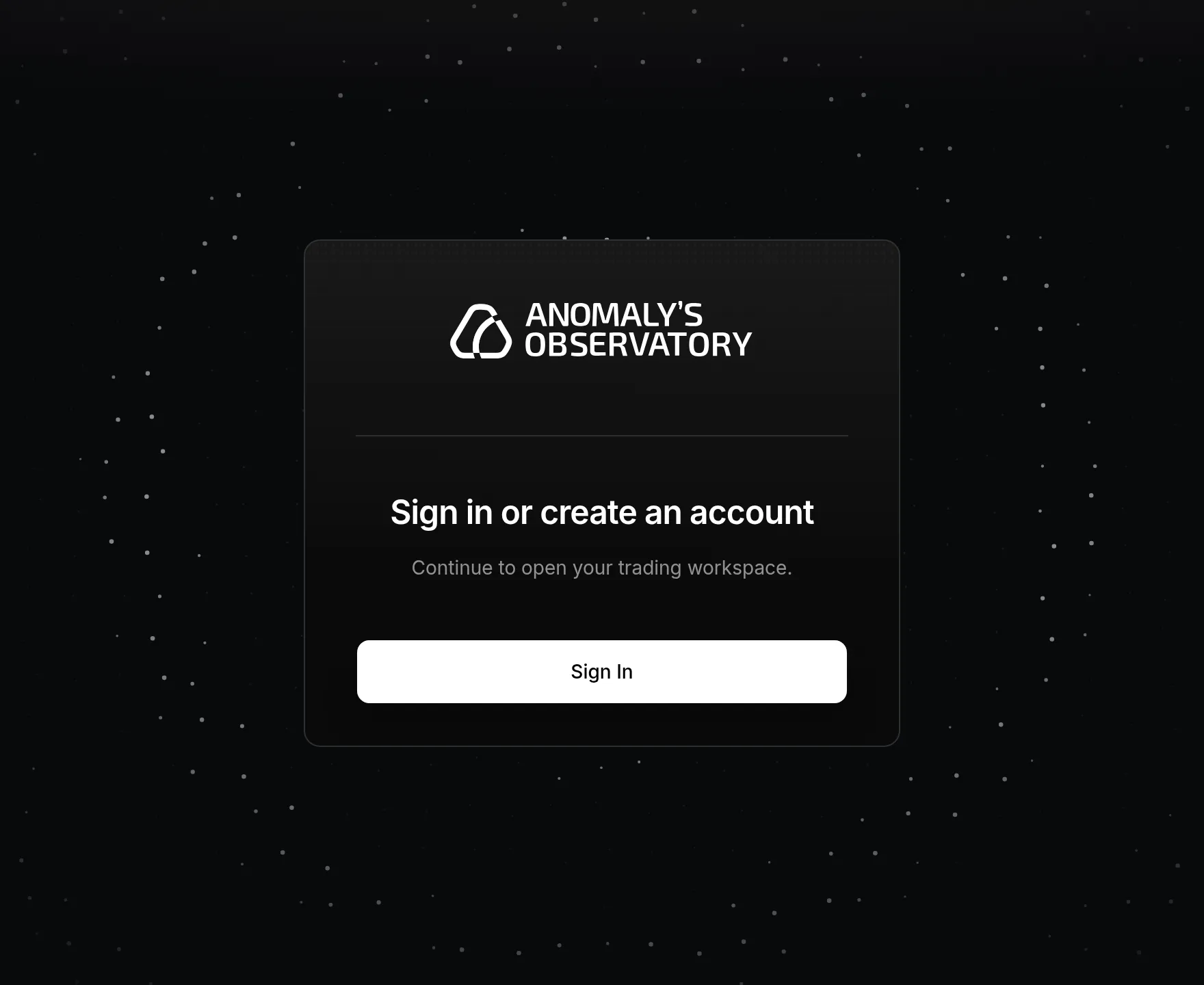
Open app.ao-io.com. You see a card that says Sign in or create an account, on a dark background with a soft glow and a field of pulsing dots.
-
Click Sign In. The hosted sign-in page opens on the same background.
-
Create your account with your email address, or click one of the provider buttons if they’re shown. Follow the prompts on that page.
-
The page sends you back to AO. You see Signing you in… for a moment, then your Dashboard.

Signing in later works the same way. Click Sign In and use the same email address or provider you signed up with.
What you see the first time
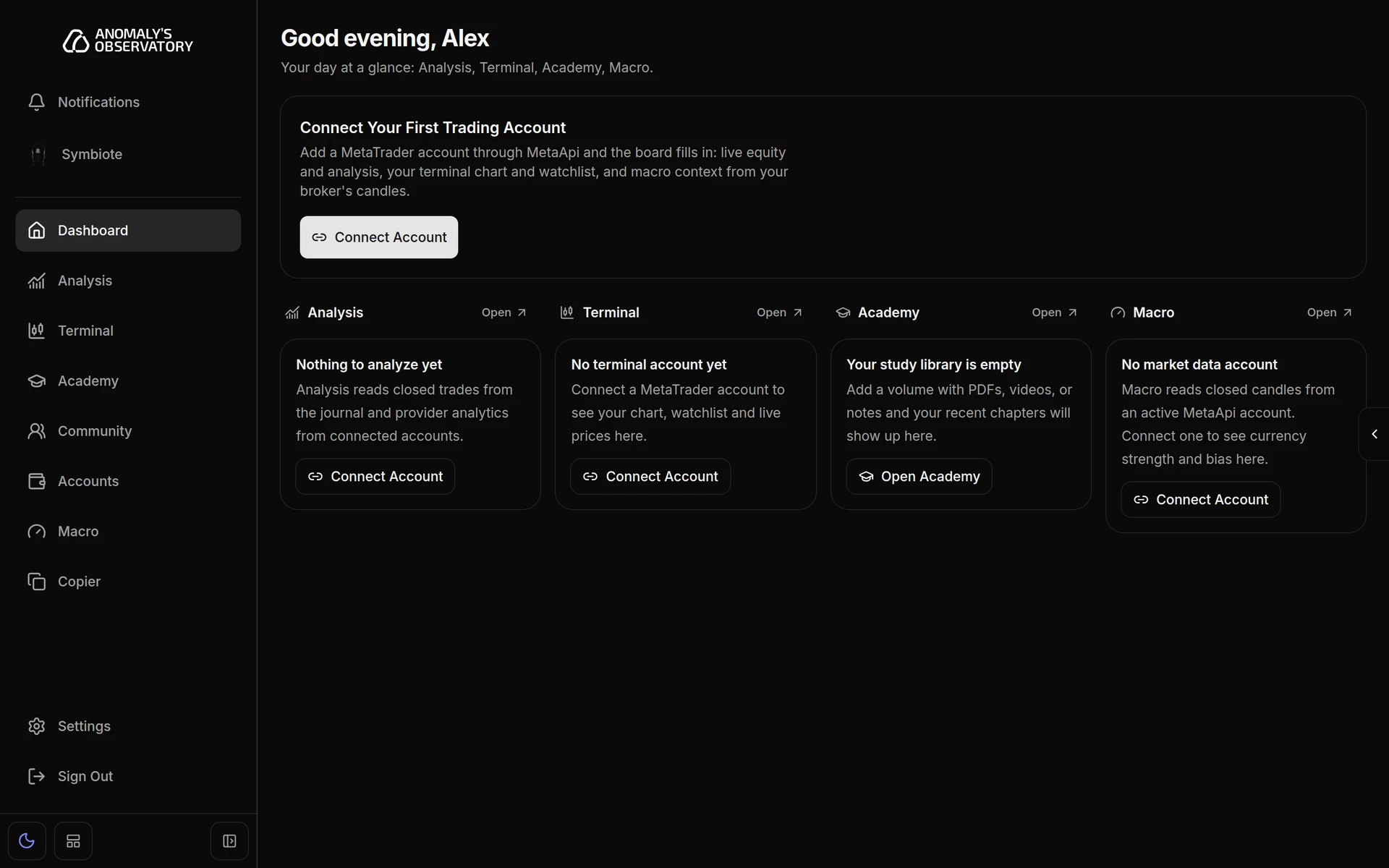
The Dashboard opens with a Connect Your First Trading Account card. Its lanes for Analysis, Terminal and Macro fill in once an account is connected. Click Connect Account on that card.
What happens next
Connect your MetaTrader 4 or 5 account by following Connect a trading account. Then take the tour of the app to find your way around.
If sign-in doesn’t finish
If you come back from the sign-in page and see We couldn’t finish signing you in, the sign-in session expired or couldn’t be verified. Nothing about your account changed. Click Try signing in again.